
Send by Elementor allows you to set up both SMS and email campaigns, giving your greater flexibility for staying in touch with your customers.
Setup for SMS campaigns
To create a branded email:
- From WP Admin, navigate to Send.
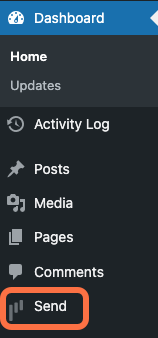
This opens Send.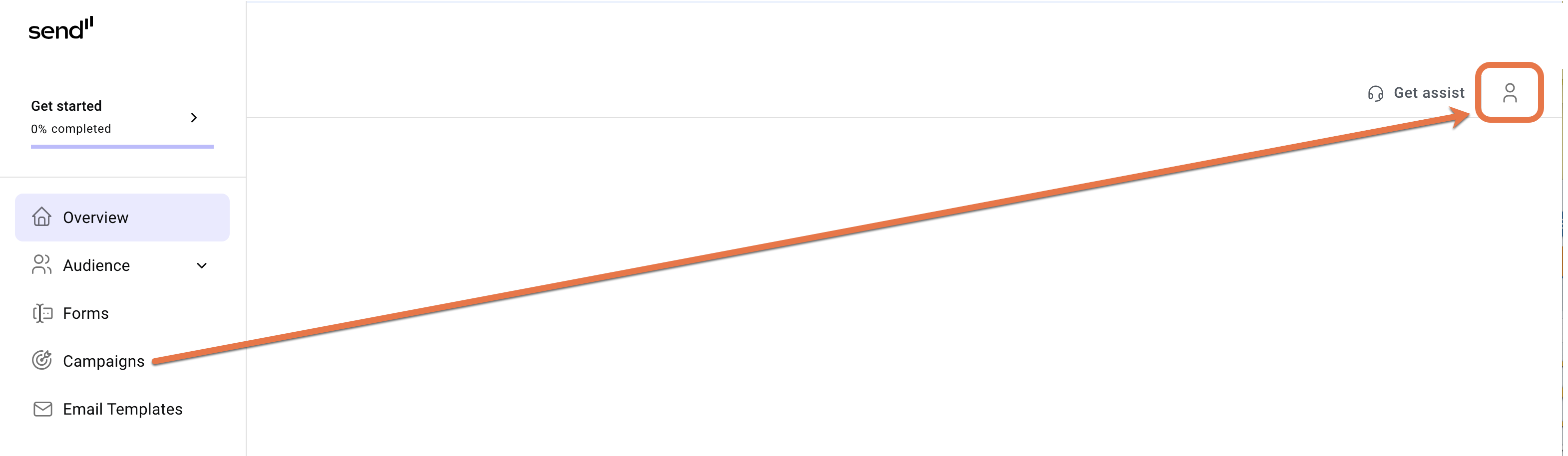
- In the upper right corner, click the account icon.
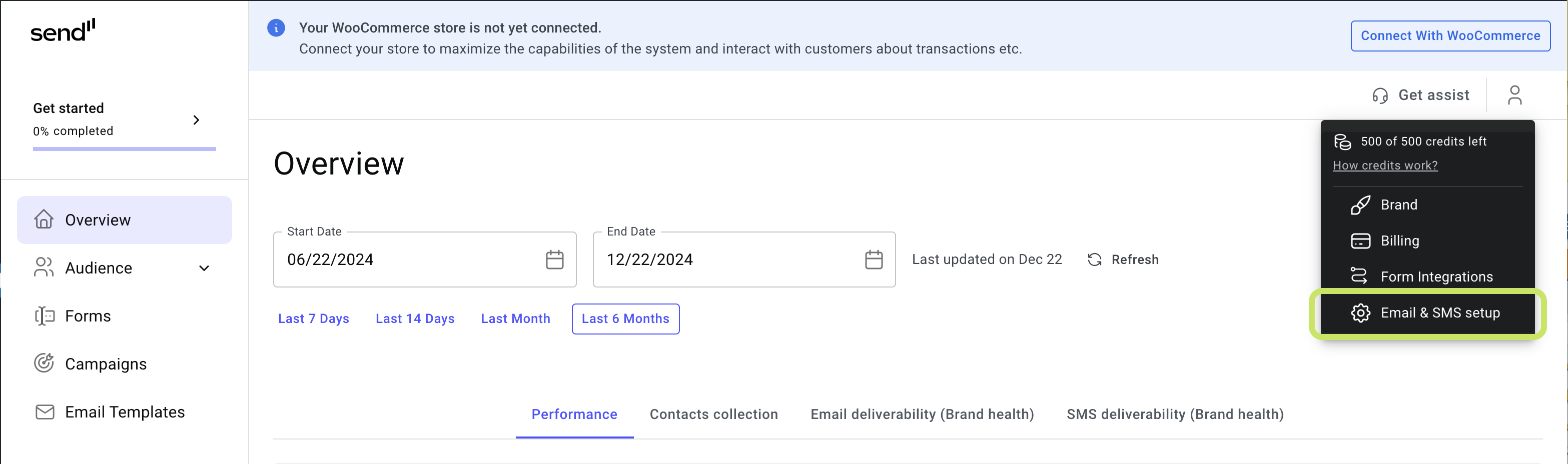
- Select Email & SMS setup from the dropdown menu.
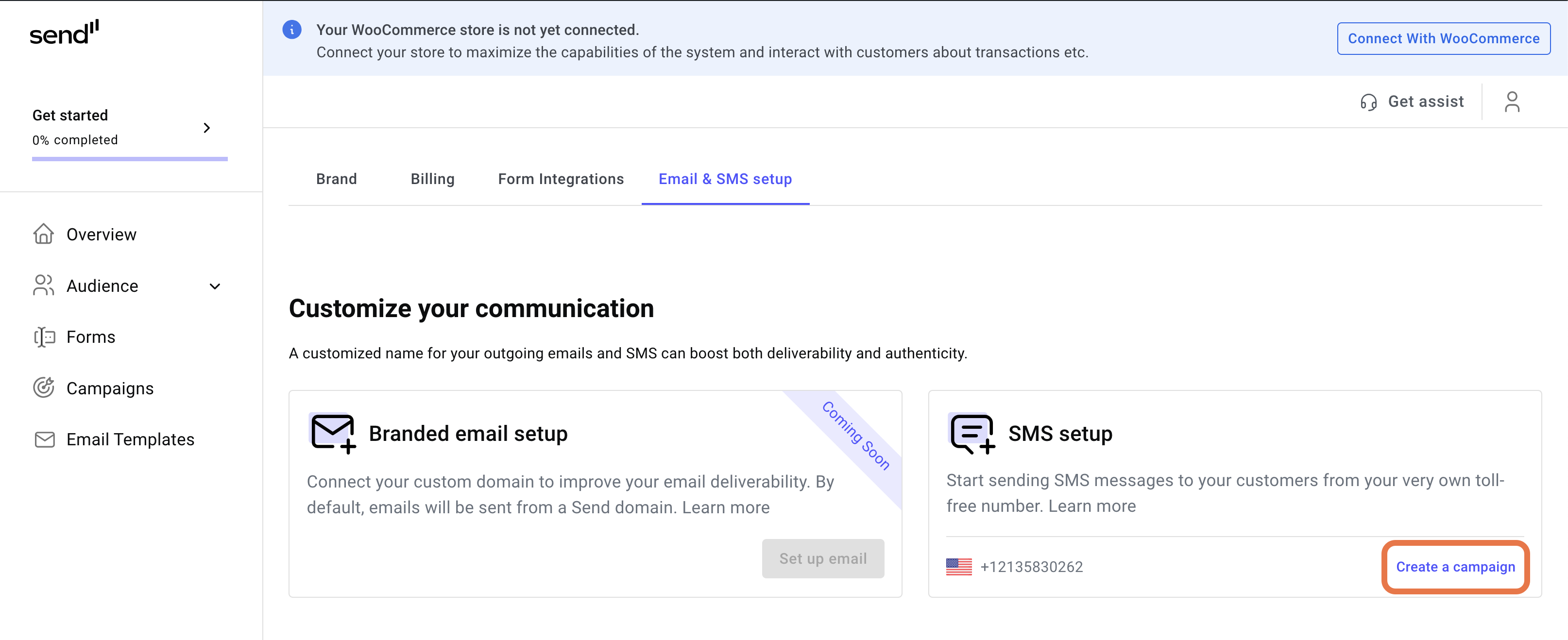
- In the SMS setup card, click Create a campaign.
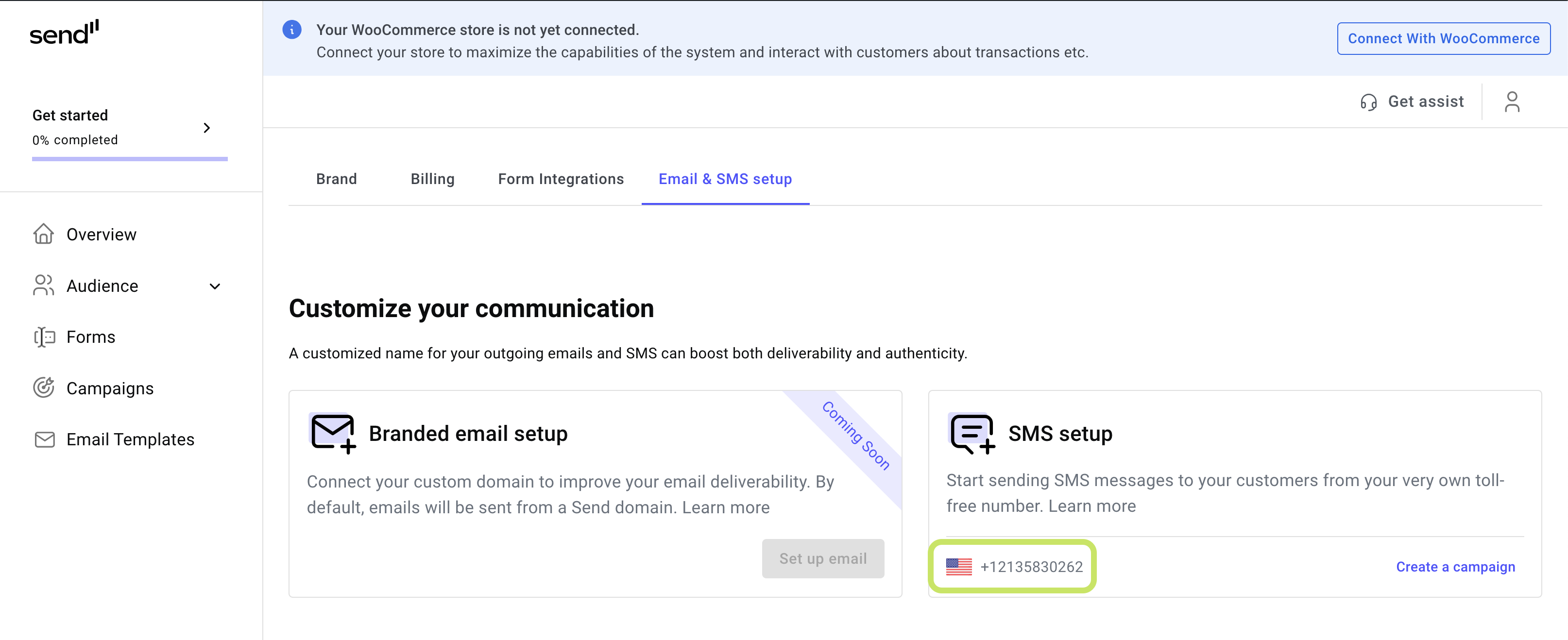
SMS messages are sent from the number displayed.
Note Send only sends SMS messages to US phone numbers.
Send by Elementor will generate a phone number. When your campaigns sends SMSs, they will be sent from this number.